
Kia Niro: Blind Spot Detection system (BSD) / Repair procedures
| Diagnosis With KDS/GDS |
| 1. |
BSD system defects can be quickly diagnosed with the KDS/GDS. GDS operates actuator quickly to monitor, input/output value and self diagnosis. |
| 2. |
Connect the cable of KDS/GDS to the data link connector in driver side crash pad lower panel, and turn on the KDS/GDS. |
| 3. |
Select the vehicle model and then BSD system. |
| 4. |
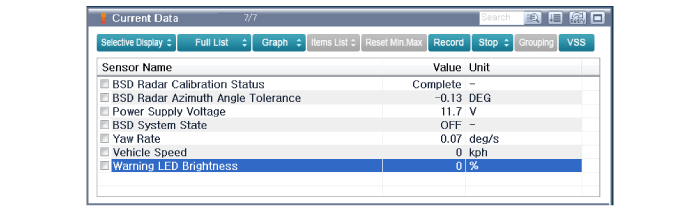
Select "Input/output monitoring", if you want to check current data of BSD system.
|
| 5. |
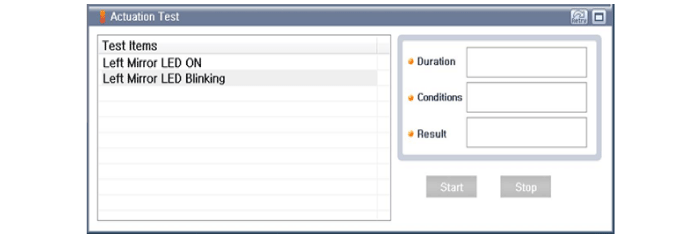
If you want to check each module operation forcefully, select "Actuation test".
|
| 6. |
Ignition "OFF", connect KDS/GDS. |
| 7. |
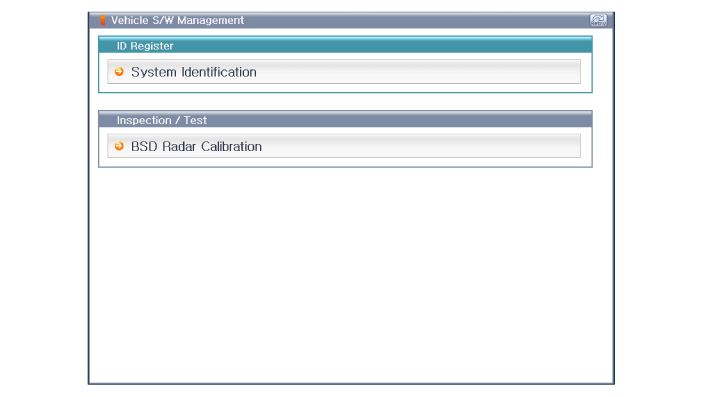
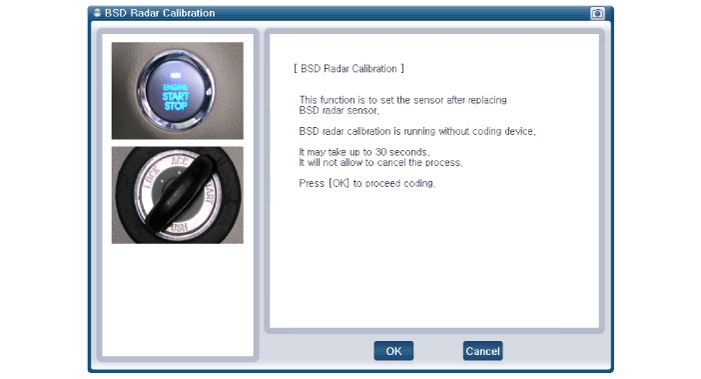
Ignition "ON” & Engine "OFF", select BSD system and "BSD Radar Calibration" mode.
|
| 8. |
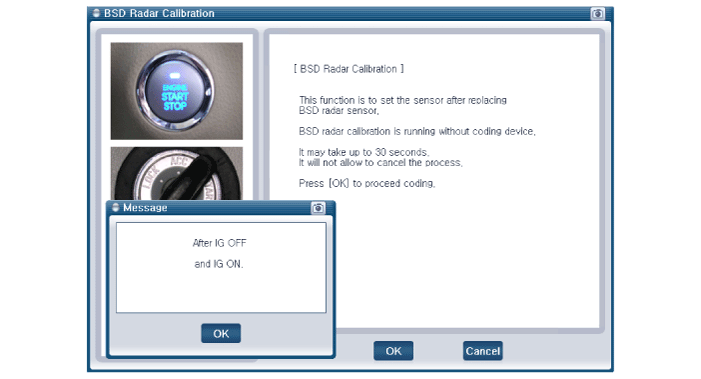
The KDS/GDS will show the BSD Reset function steps.
|
| 9. |
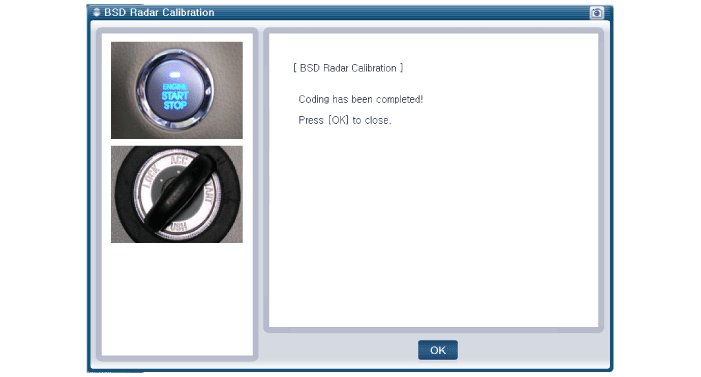
The BSD initialization procedure will be performed.
|
 Description and operation
Description
BSD is a system that uses two magnetic wave radar sensors attached on the rear
panel to measure the distance from the vehicle in the back and senses and sets off
(visu ...
 Blind Spot Detection Unit Schematic diagrams
Circuit Diagram
...
Other information:
Kia Niro 2017 (DE HEV) Service Manual: Exhaust Manifold Components and components location
Components
1. Exhaust manifold gasket
2. Exhaust manifold
3. Exhaust manifold stay
4. Heat protector
...
Kia Niro 2017 (DE HEV) Service Manual: Rear Spoiler Repair procedures
Replacement
Put on gloves to protect your hands.
•
Use a plastic panel removal tool to remove interior trim pie ...
