
Kia Niro: Audio / Audio Remote Control Repair procedures
| Removal |
| 1. |
Disconnect the negative (-) battery terminal. |
| 2. |
Remove the steering wheel assembly. (Refer to Steering System - "Steering Wheel") |
| 3. |
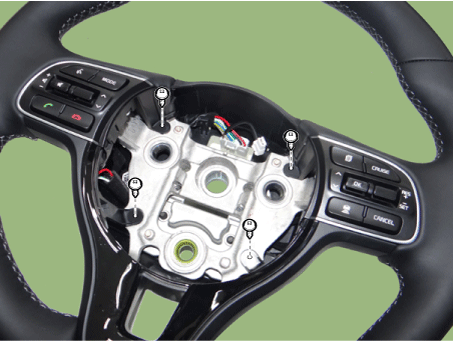
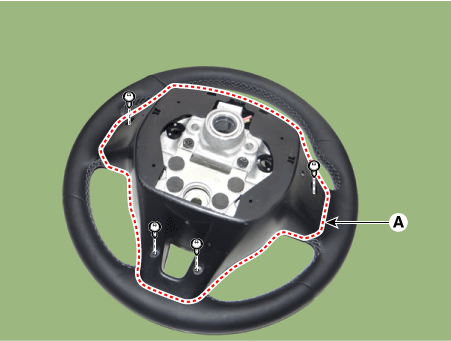
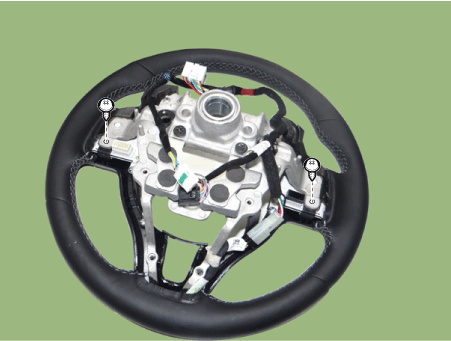
Remove the steering back cover (A) after loosening the mounting screws.
|
| 4. |
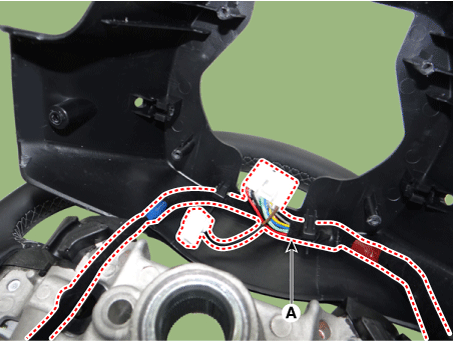
Remove the wiring connector (A) from the steering back cover.
|
| 5. |
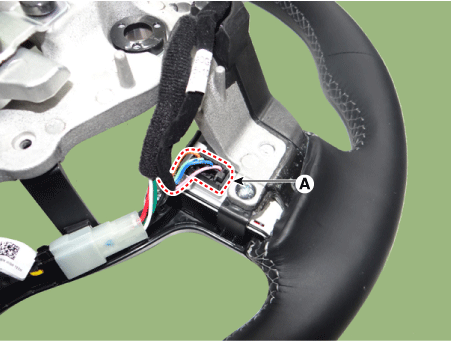
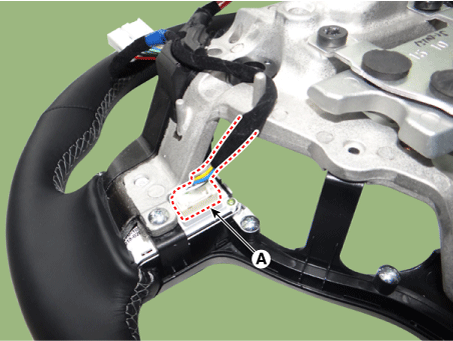
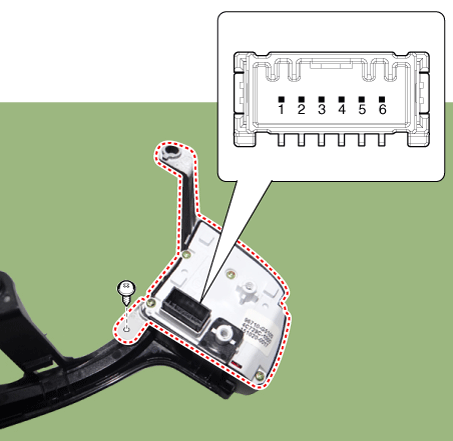
Disconnect the steering wheel remote control connector (A). [LH]
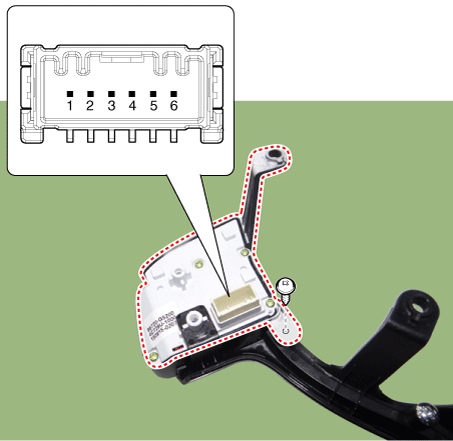
[RH]
|
| 6. |
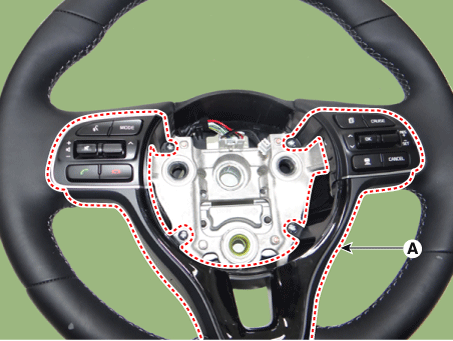
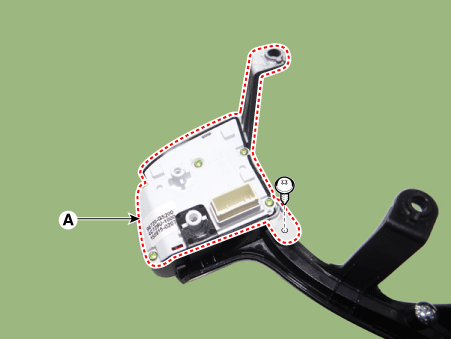
Remove the steering wheel remote control assembly (A) after loosening the mounting screws.
|
| 7. |
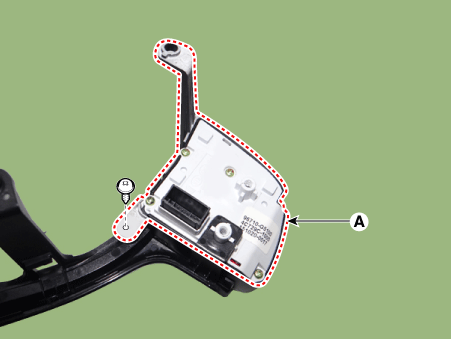
Remove the steering wheel remote control (A) after loosening the mounting screws. [LH]
[RH]
|
| Installation |
| 1. |
Install the steering wheel remote control. |
| 2. |
Install the steering wheel remote control assembly. |
| 3. |
Connect the steering wheel remote control connector. |
| 4. |
Install the steering back cover. |
| 5. |
Install the steering wheel and driver airbag module. |
| 6. |
Connect the negative (-) battery terminal. |
| Inspection |
| 1. |
Check for resistance between terminals in each switch position (LH).
[LH : Audio + Hands free + Voice]
|
| 2. |
Check for resistance between terminals in each switch position (RH).
[RH : Cruise + Trip]
|
 Audio Remote Control Schematic diagrams
Circuit Diagram
[Audio + Bluetooth]
[Audio + Bluetooth + Voice]
[Trip]
[Trip + Cruise]
[Trip + Cruise + SCC] ...
 Multimedia Jack Schematic diagrams
Circuit Diagram
...
Other information:
Kia Niro (DE HEV) Owners Manual: Forward and backward adjustment
The headrest may be adjusted forward to 3 different positions by pulling the
headrest forward to the desired detent.
To adjust the headrest to it’s furthest backwards position, Pull the headrest
fully forward to the farthest position and release it.
Adjust the headrest so that it properly ...
Kia Niro 2017 (DE HEV) Service Manual: Mic Repair procedures
Inspection
1.
Disconnector the negative (-) battery terminal.
2.
Remove the overhead console lamp.
(Refer to Lighting System - "Overhead Console Lamp")
3.
Remove the hands free mic (A) after loosening the m ...
